
October 2026: Pick your AI's voice
October 2026: Pick your AI's voice
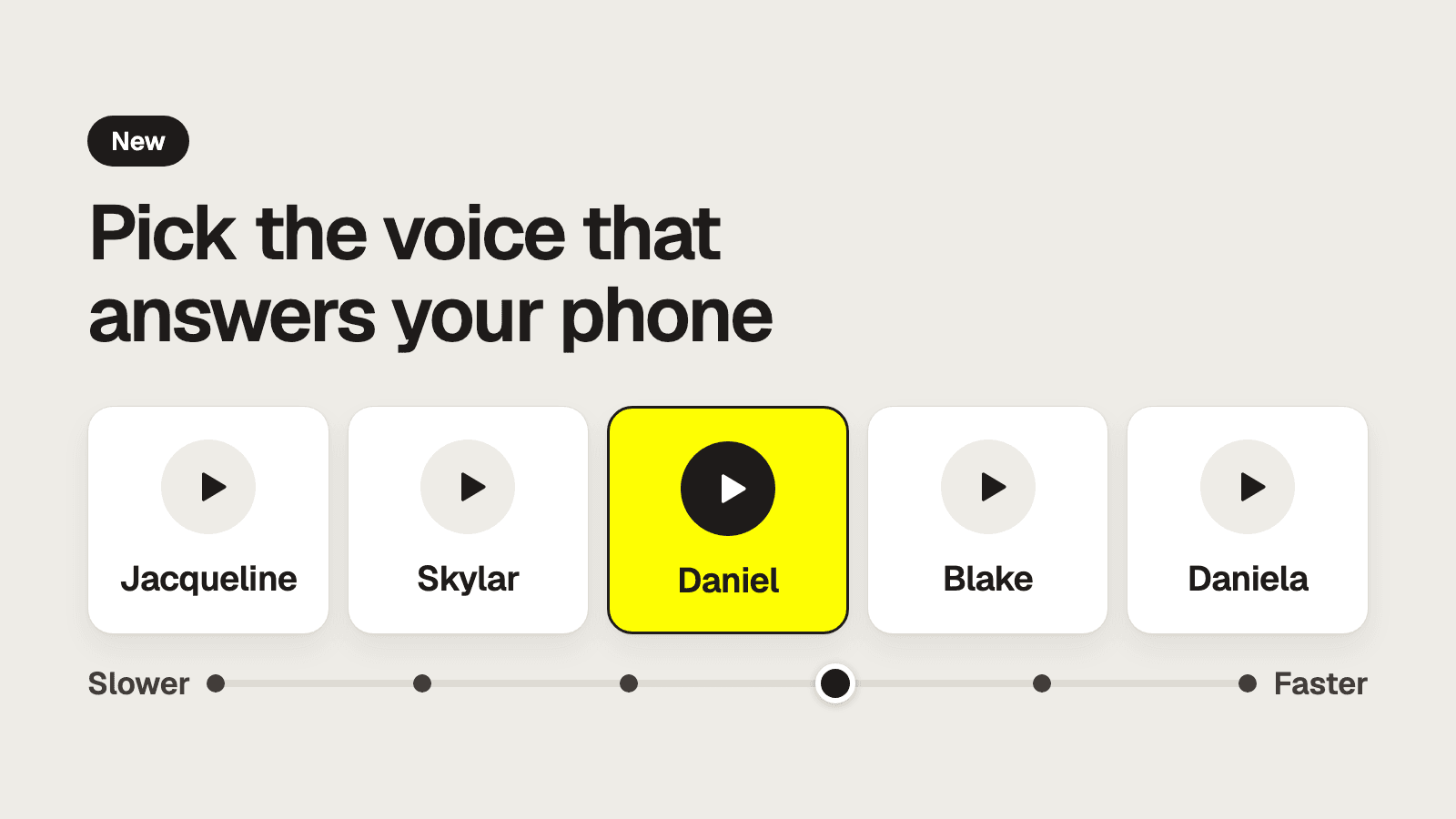
Five voices, a backup number for outages, and an AI that hangs up on abusive callers.
Pick your AI's voice
Choose from 5 voices: Jacqueline, Skylar, Daniel, Blake, and Daniela, who is best for Spanish callers. Set how fast it talks, from slower (0.7x) to faster (1.2x). Each location can have its own.
Go to Settings → Voice.
Set a backup number for outages
If our system ever has an outage, your line now rings a number you choose, so callers still reach a person. A line with no backup plays a short apology, and the caller can't get through. Check yours today.
Go to Settings → Forwarding and find Backup number.
The AI ends abusive calls
When a caller turns sexual or abusive, the AI warns them. If they keep going, it hangs up, and the call shows why it ended. One bad word doesn't end a call. It's already on, and you can make it stricter or add your own rules.
Go to Settings → Guardrails.
Also new
- Your own goodbye. Write the last line callers hear, in Settings → Voice.
- Live calls. A call in progress shows on Conversations.
- Not spam. Review calls the AI hid as spam and restore any it got wrong.
- Shared tasks. Unassigned tasks can go to a group of people, one person at a time.
Open your dashboard to try them.