
Changelog
View our latest updates, improvements, and fixes to Answering Agent
August 2026: More handled. Less on your plate.

More handled. Less on your plate.
This month’s updates reduce two kinds of desk work: membership follow-up and rewriting customer replies. They also make the human work that remains easier to route and keep the rest of the written workflow moving.
Fewer membership tasks to work through
Answering Agent can send customers a membership portal link so they can manage their account themselves. With supported integrations, it can also carry out membership changes after the required checks and confirmation.
In an early comparison, the share of cancellation conversations generating a membership task fell from 36.3% to 18.7% — nearly half as many membership tasks per cancellation conversation. Your team still handles requests that need a person, including refund reviews, billing disputes, and customers who ask for human help.
Early all-team results: 992 membership tasks across 2,731 cancellation conversations in the week of August 10, compared with 389 across 2,078 in the partial week of August 31, 2026, measured September 4. The later period was incomplete, so this is a directional observed result, not a guarantee for every team or a measure of portal links alone.
Draft replies that get sent with less rewriting
Draft a Reply now learns from recent messages your team has sent, so the first draft is closer to the way your desk already communicates. The win is less thrash before Send — not a promise that every draft is perfect on the first try.
In the seven days before and after the model and prompt upgrade, operators hit Send 65% → 75% of the time. Refine clicks fell from about 19% → about 2%, while light-touch drafts rose 69% → 85%. Heavy rewrites fell 31% → 15%.
When your team needs to step in
Smart Routes lets you write a rule in plain language, choose a teammate, and apply it to one location or all locations. New unassigned tasks go to the first matching enabled rule, while work someone already owns stays with them.
Tasks from a conversation can stay together instead of multiplying follow-up items. In Slack, replies, conversation updates, and task status stay in the original task thread, so the team can see what changed without hunting across messages.
More of the written workflow in one place
Forms now support choice, consent, time, and rating fields. Teammates can mention one another in internal notes. Email replies stay in the correct conversation more reliably, phone-number search finds the right contact faster, and filtered conversations or unique contacts can be exported to CSV.
AI Recap brings together key facts, suggested next steps, and who the conversation is waiting on. Conversation wrap-ups include a check for anything else the customer needs, and promotional offers can be targeted to new customers, existing customers, or both.
Open your dashboard to explore the updates.
July 2026: Announcing Forms
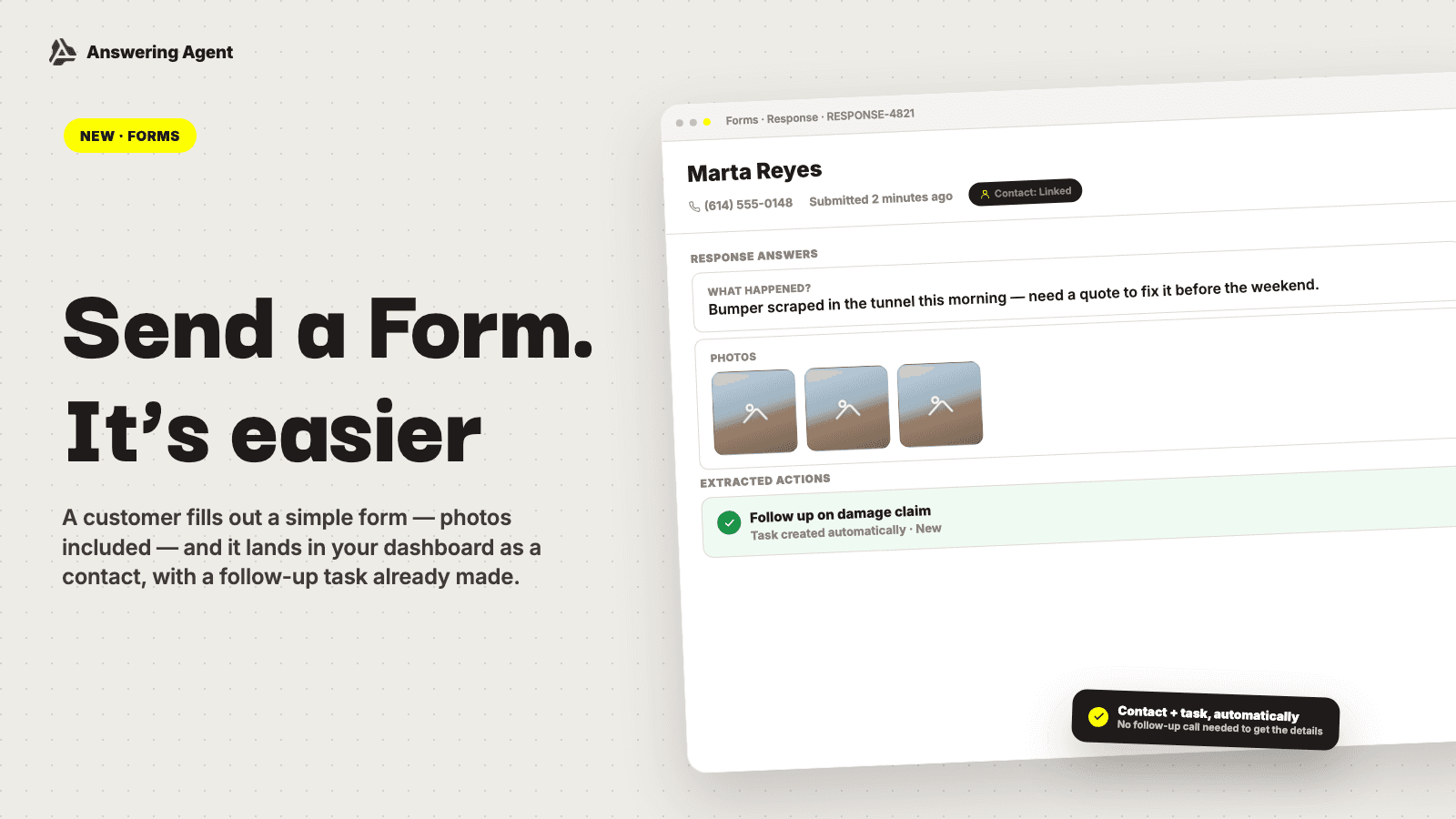
Forms is now part of Answering Agent.
Some requests fit a form better than a phone call. Quote requests, damage claims, and job details often need a few specific answers and a photo, not another round of phone tag.
Build a form in your dashboard with the fields the job needs: short text, long text, email, phone, date, number, and photo uploads. Share its link with the customer, or add the form directly to your website with embed code.
Each response lands in your dashboard with its answers and photo uploads. When a response includes an email address or phone number, Forms links it to a contact. If it needs follow-up, Answering Agent creates work for your team. You can also send that work to Slack, so the right people see it.
Get started from Forms in your dashboard. Forms is a paid add-on channel. Team owners and admins can activate it there, or ask your Answering Agent contact for help.
Want the full story? Read what Forms can do.
June 2026: Announcing Email
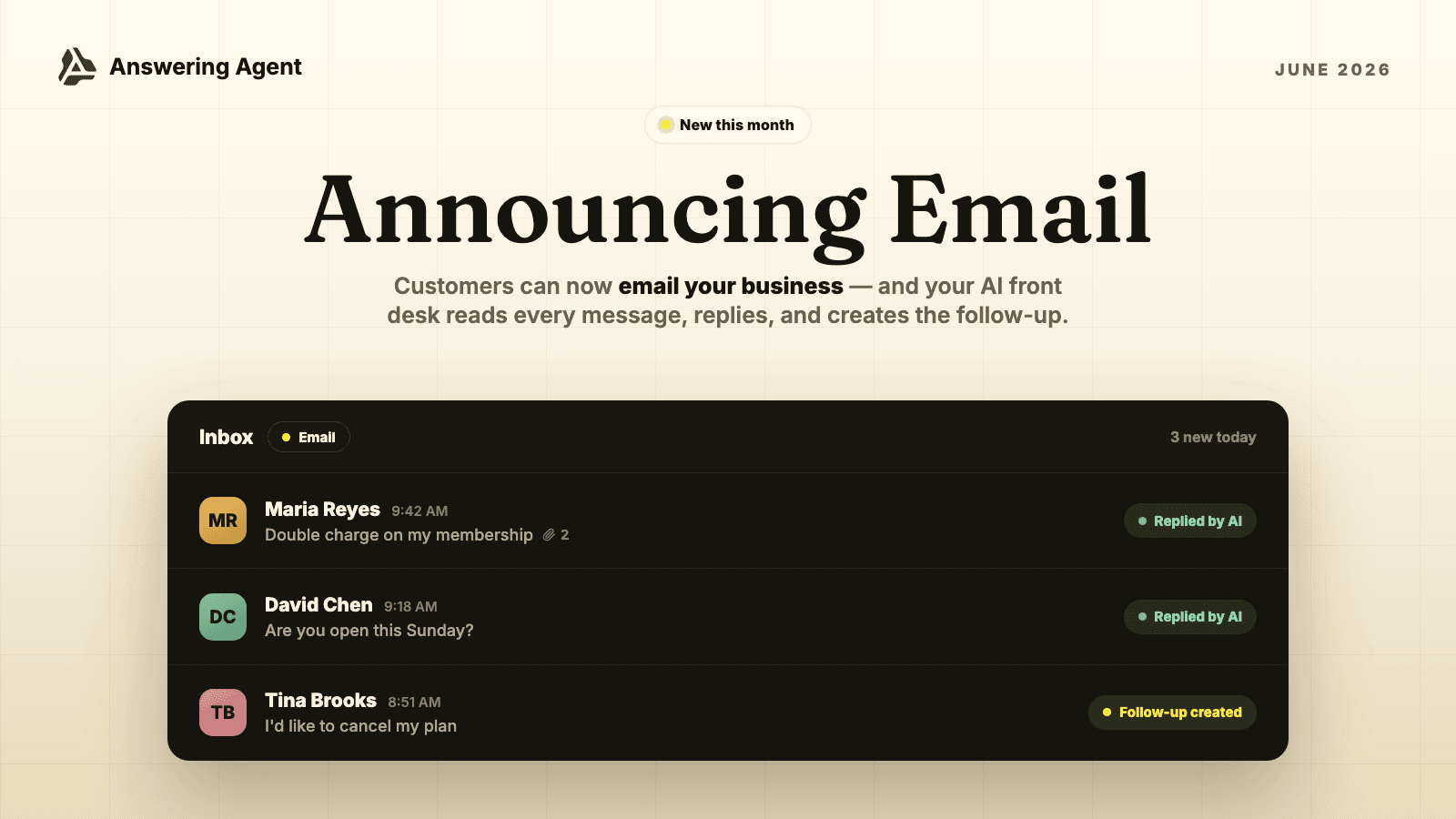
Email is now part of Answering Agent.
This has been one of our most requested features, and it's easy to see why. Email is where the big questions land: pricing, memberships, billing follow-ups, quote requests, and the long explanations that deserve a careful written answer.
Those emails now live right beside your calls, texts, and website chats — one dashboard, full customer history, photos and attachments included. Turn on AI Email Responses and Answering Agent answers the routine questions from your approved business info. When a request needs a person, it becomes a task for your team instead of another unread email.
Setup takes a few minutes: open Email in your dashboard, choose the address customers will see, forward your existing support inbox, and pick which locations answer email. The step-by-step guide covers the rest, including Gmail, Google Workspace, and Outlook forwarding.
Want the full story? Read what AI Email can do.
Also new this month: faster everyday follow-up across the dashboard, clearer customer reply notifications, and a referral program for introducing another operator to Answering Agent.
May 2026: A New Dashboard and a New Website Chat Widget
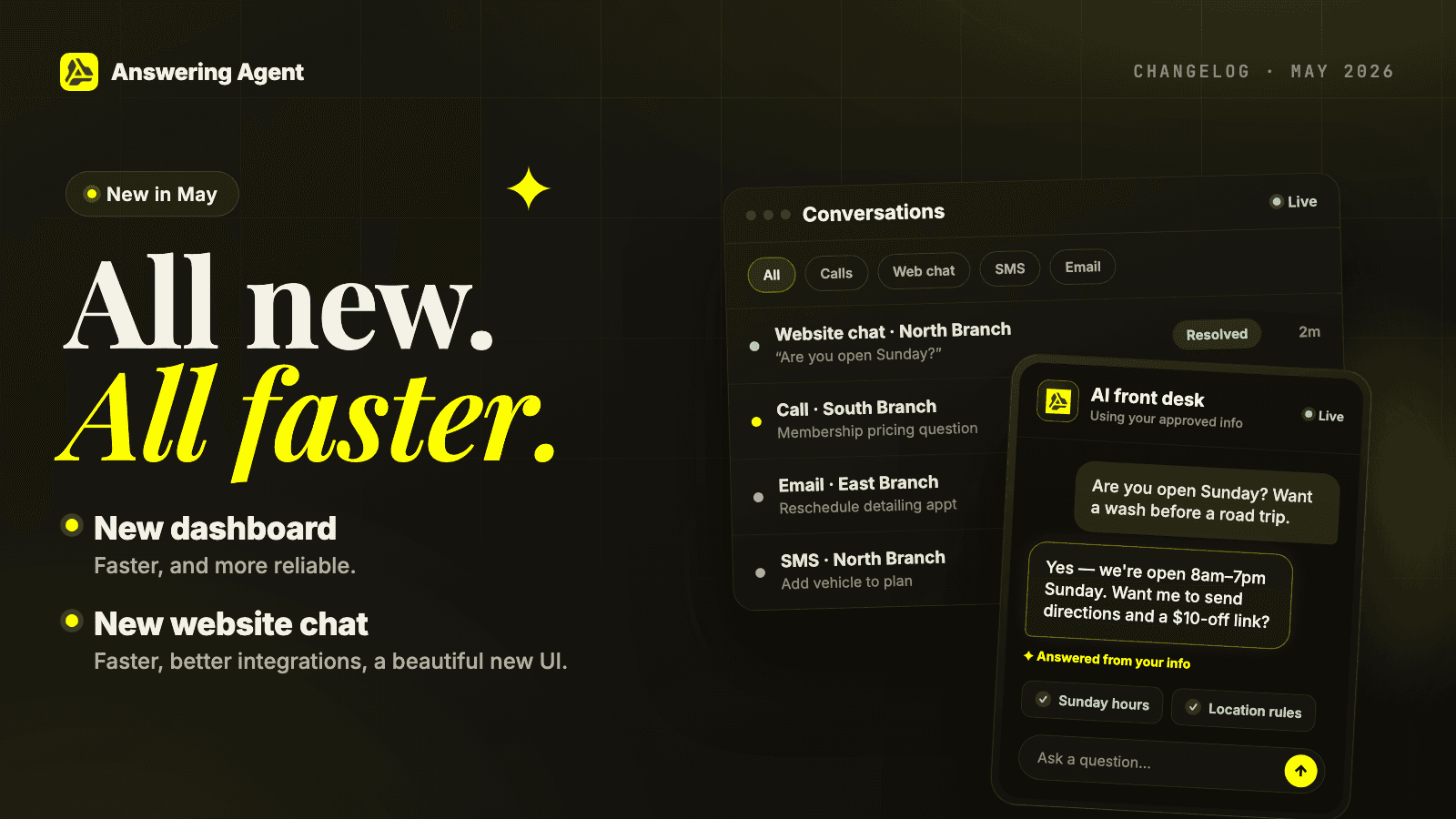
A new dashboard and a new website chat widget
We rebuilt the two things you and your customers use most, and not just to look better.
A new dashboard, faster and more reliable. Quicker sign in, fewer interruptions while your team works through calls and tasks, and 30-day sessions so you stay logged in for a month.
A new website chat widget, with a beautiful new UI. It is faster, connects better with your tools, and answers website visitors from your approved info.
There is plenty more this month, from assigning and completing tasks to one-click sign in with Google or Microsoft and Slack notifications. See the full list below.
April 2026: More Control for Transfers, Texts, and Membership Calls
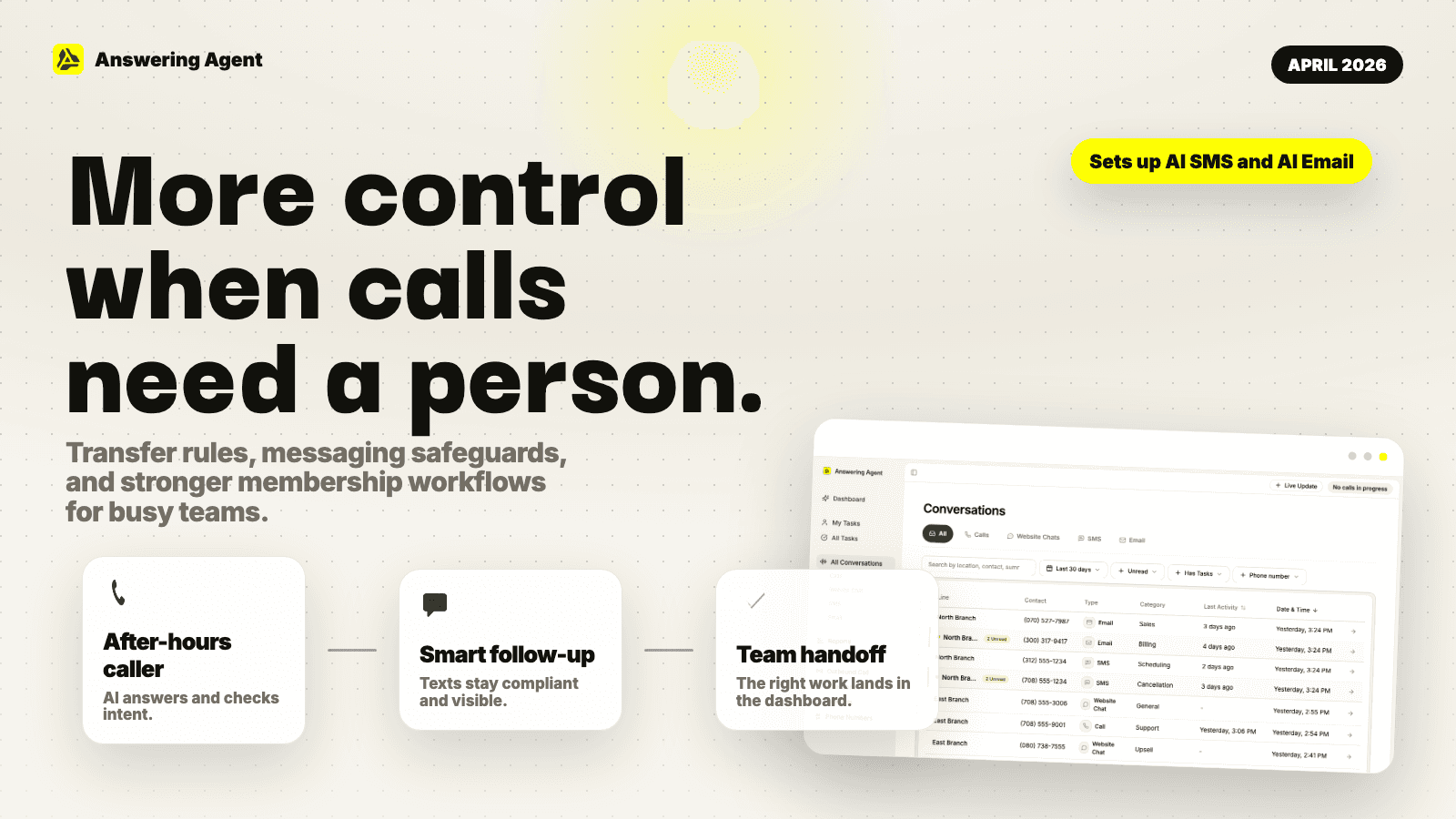
April gave operators more control over when the AI handles a conversation and when a person should step in.
You can set time-of-day transfer rules, tune voice settings more easily, and rely on stronger safeguards for membership and cancellation calls. We also improved SMS opt-out handling, text delivery monitoring, and dashboard reliability so teams can work through calls, tasks, and reports with fewer interruptions.
These updates set the stage for the broader AI SMS and AI Email workflows coming next.
March 2026: Voice, Texting, and Web Chat Upgrades
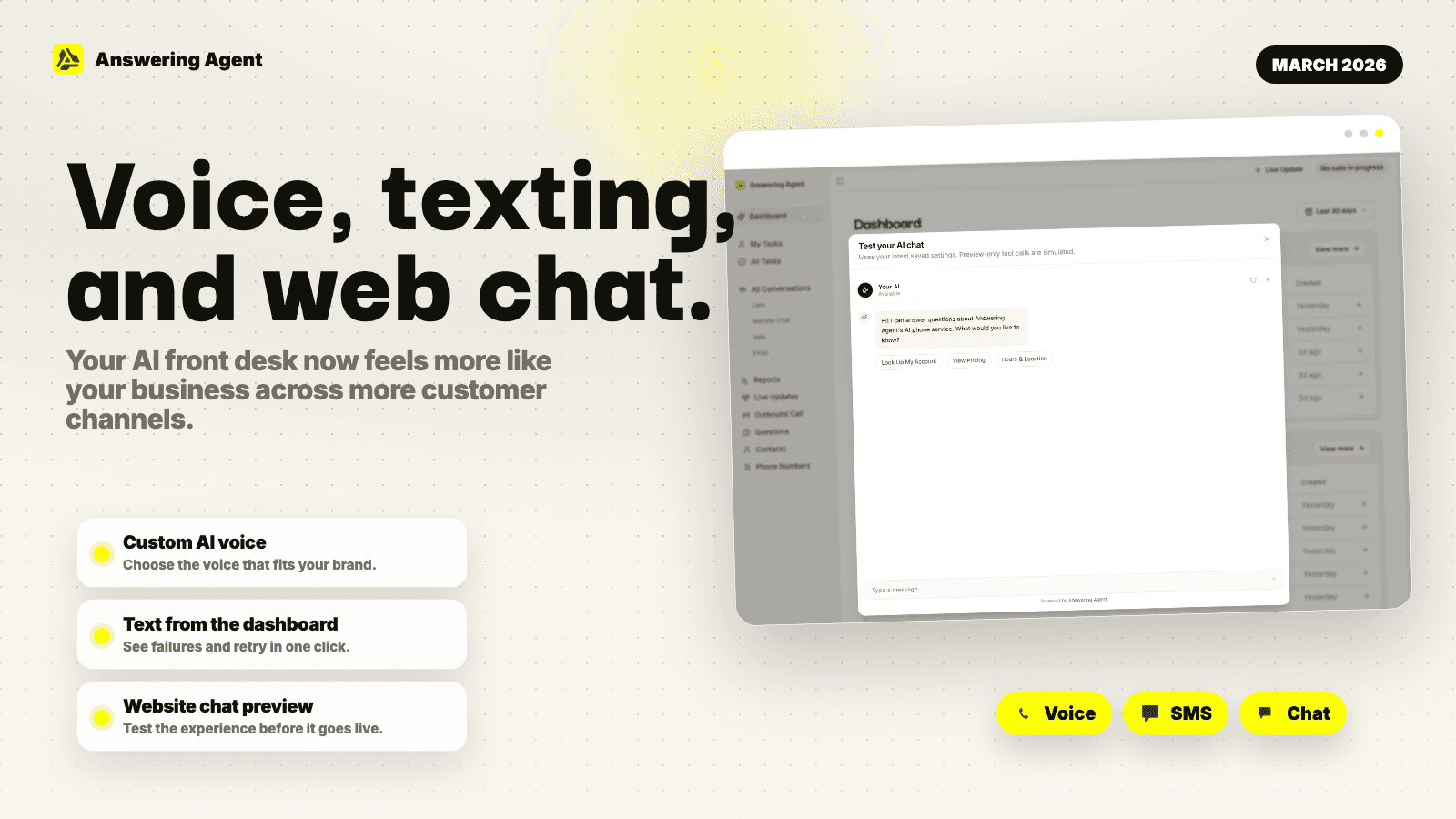
March made the AI front desk feel more like your business.
Teams can tune their AI voice from the dashboard, send and receive customer texts, and put the same AI experience on their website with the upgraded chat widget. We also improved message delivery feedback, preview tools, and reporting by conversation type so calls, chats, and texts are easier to understand together.
This was a major step toward one connected workspace for every customer conversation.
February 2026: Cleaner Follow-Up and Better Calls
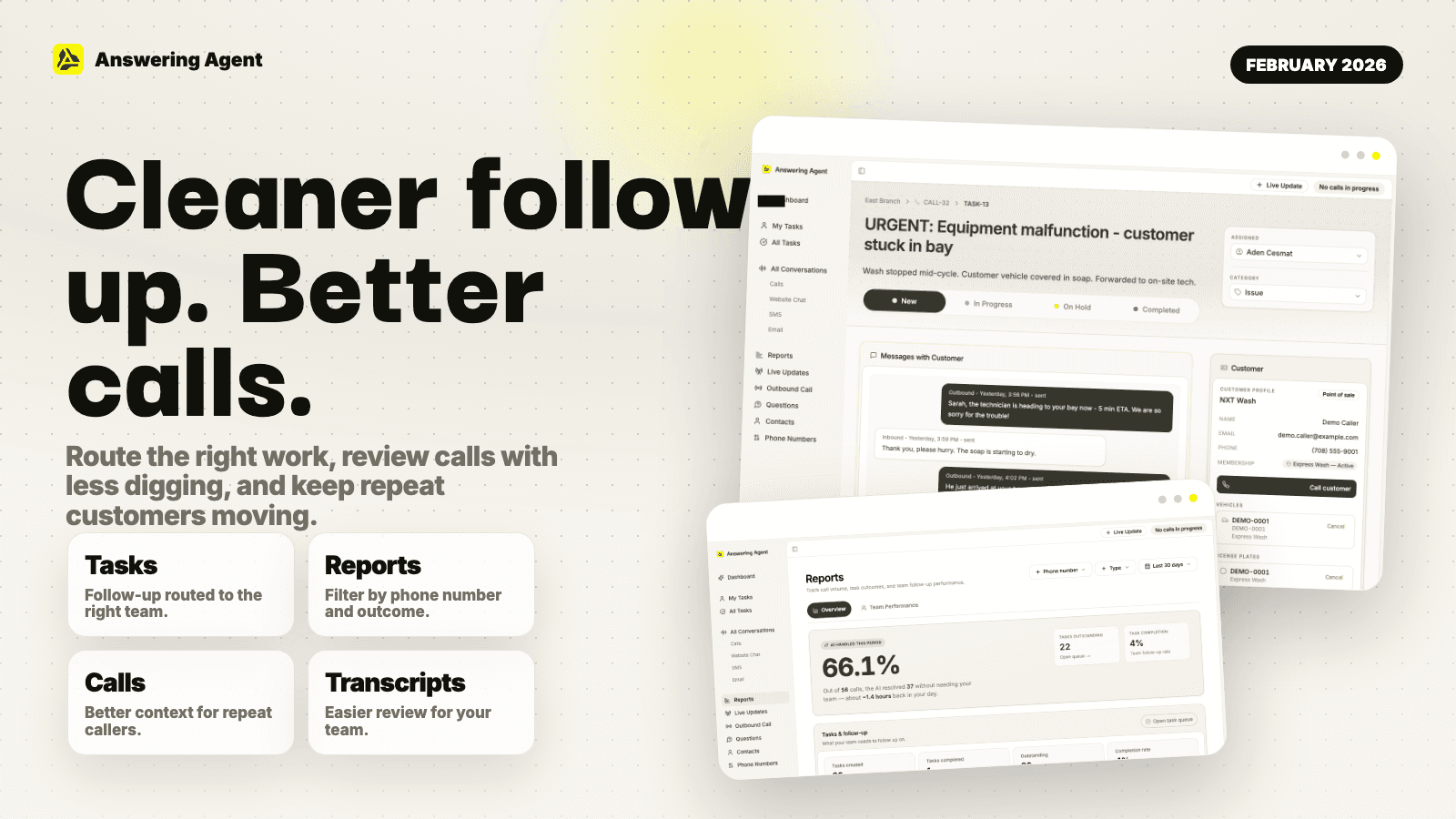
February focused on helping operators trust what happens after each conversation.
Tasks are easier to route, reports are easier to filter, and repeat callers are handled with better context. We also improved transcript processing, translation, and call-quality checks so your team can review customer conversations with less digging.
For callers, the AI got better at sounding natural, handling repeat questions, and sending the right conversation to a person when needed.
January 2026: A Smarter AI Front Desk
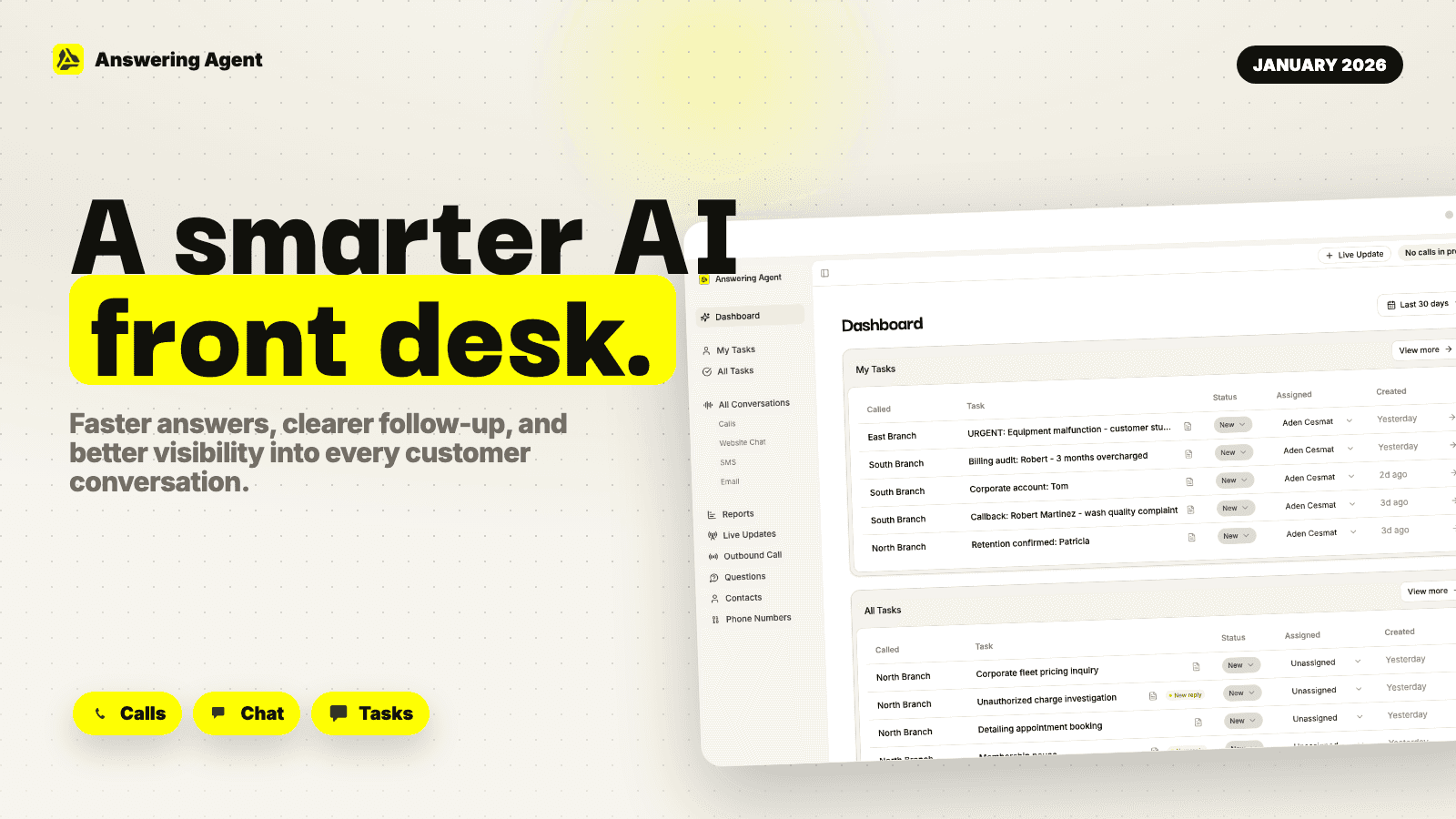
January was about making Answering Agent more useful everywhere customers start a conversation.
We improved the website chat experience, strengthened customer lookup and membership workflows, and added better visibility into calls, tasks, and team performance. The result is a front desk that gives customers faster answers and gives your team clearer next steps when a conversation needs follow-up.
We also added more safeguards behind the scenes so settings, integrations, and dashboard data stay consistent as your team grows.