
September 2026: Your reply is already written
September 2026: Your reply is already written
Replies that are already written, photos by text, and fewer junk emails.
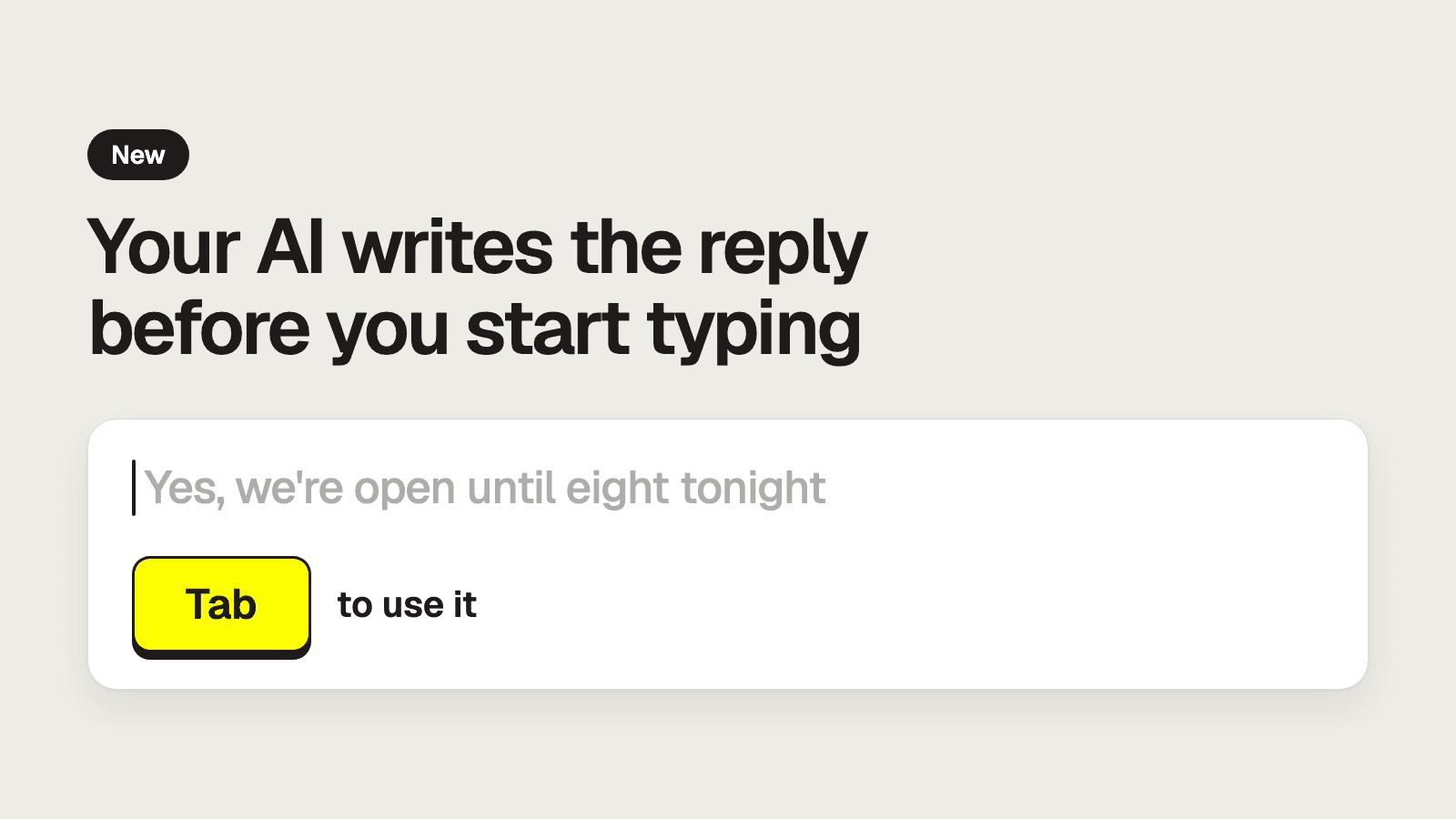
Your reply is already written
Click into the reply box and the AI has a reply waiting, in gray. Press Tab to use it, edit it if you like, and send. Nothing goes out until you hit Send. The Refine button makes it shorter, friendlier, or more formal.
It works for texts and emails. Open any conversation and click the reply box.
Text a photo to a customer
You can add up to 5 images to a text from the reply box. Send the receipt or a picture of the sign instead of describing it.
Open a text conversation and choose Attach images.
Fewer junk emails to sort through
The AI no longer replies to newsletters, no-reply addresses, or other automated emails. If one sender keeps getting through, block them.
Open the conversation and choose Block contact.
Also new
- Dashboard Assistant. Ask the assistant in your dashboard a question. It's now on for every team.
- Settings history. See who changed a setting, and undo it.
- Files on forms. Customers can attach PDF and Word documents.
Open your dashboard to try them.